Devora Cloud · Blog
Build failed? Let AI help you understand the error
Use logs, the failure analyzer and Devora Cloud guidance to investigate deployment errors.
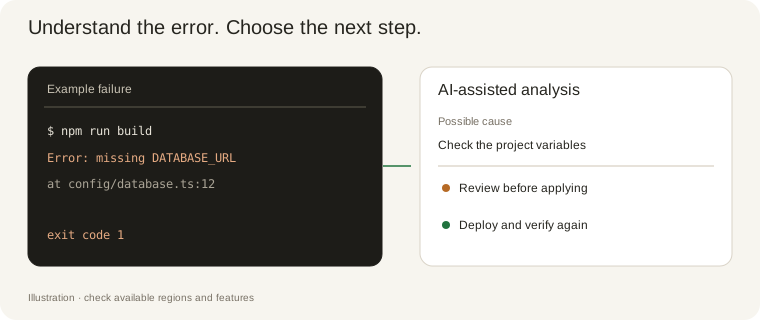
A failed build does not mean the server is down. Causes can include build commands, dependencies, missing variables, a Dockerfile path or an incorrect application port. Start with the failed deployment and check the message and timestamp for that run.
Open Issues or the failed deployment and select Analyze failure when available. AI uses the context provided by the analyzer to suggest possible causes and next steps. Check that guidance against the logs: a diagnosis is not a guaranteed fix.
Compare the suggestion with your repository. Check the runtime version, root directory, install and build commands, deployment method and application port. Build and connection settings must match the code. A configuration change may solve the issue without a code edit.
If the analysis recommends code changes, review the affected files and differences before applying a correction offered in the dashboard. Deploy a new version and check its logs and health checks. An analysis does not mean the application has been automatically repaired or deployed.
Check connected resources too. The managed database stores structured records; images, videos and attachments belong in S3. When requesting integration help, provide variable names and necessary context without publishing passwords, tokens or secret keys in logs or public content.
In help and support, describe the problem in the dashboard language. Initial guidance covers builds, domains, email and storage before you open a ticket. If the issue remains, send the deployment number, error and attempted steps to support. The site and guides are available in Portuguese, English, Spanish, French and German.